guide
your questions
read back every question you've ever asked google
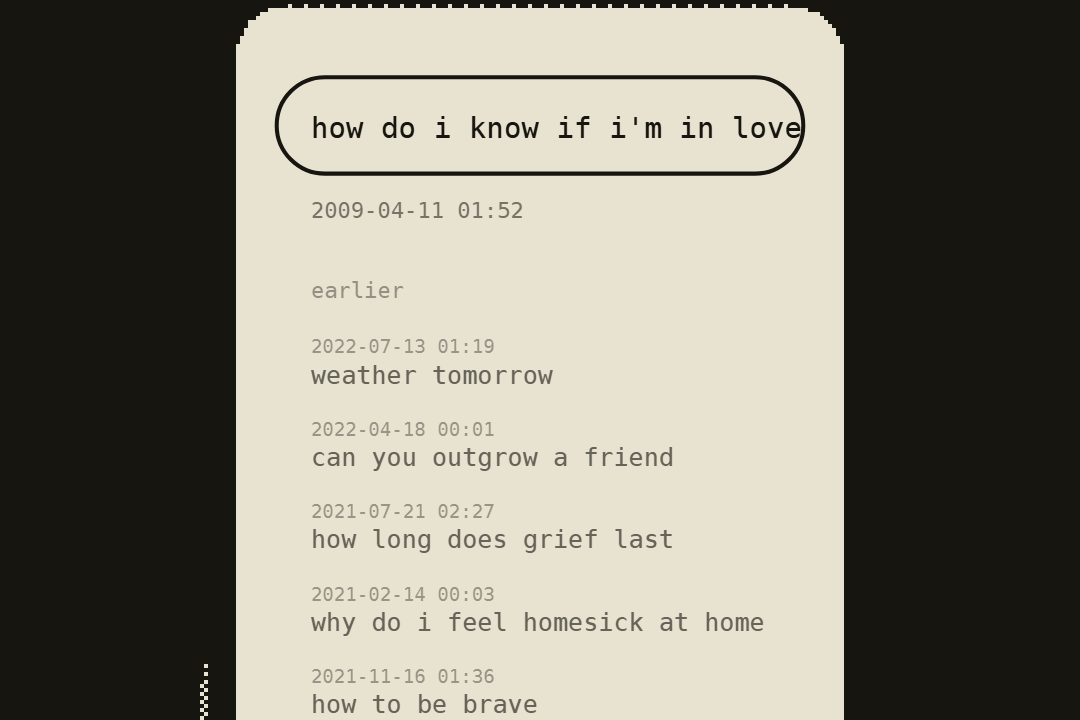
the questions you typed into google when you thought no one was reading are still there, every one, with the date and the time.
your answers mostly came from other people. your questions are yours. here's how to read them back, with claude as the reader.
- you need
- your google login · a computer (the export is easier there) · a free claude account at claude.ai
- time
- about 15 minutes, plus a wait while google prepares the file
1ask google for your searches
- go to takeout.google.com and sign in.
- click deselect all at the top of the list.
- scroll down to my activity and tick it.
- click all activity data included, then deselect all, tick search, and click ok.
- click multiple formats (it may say "html and 2 other formats"), set activity records to json, and click ok.
- click next step, keep send download link via email, export once and .zip, then click create export.
google emails you when it's ready. search history on its own is usually quick: minutes to a few hours.
google only kept your searches if web & app activity was on. accounts made since 2020 delete activity older than 18 months unless you changed that setting. you'll get whatever is there, and it's still plenty.
2download and find the file
download the zip from the email and unzip it. your searches are in
Takeout/My Activity/Search/MyActivity.json.folder names follow your google language, so they may read differently. the file is the json inside the search folder.
3shrink it
the raw file is mostly web addresses and labels. choose it below and you get a plain list of just your searches, with dates, usually a fraction of the size, so claude can read far more of it. it runs in your browser: the file never leaves your computer.
shrink my search history · runs in your browseryou can skip this and upload
MyActivity.jsonas it is. claude can read it; it just fills up much faster.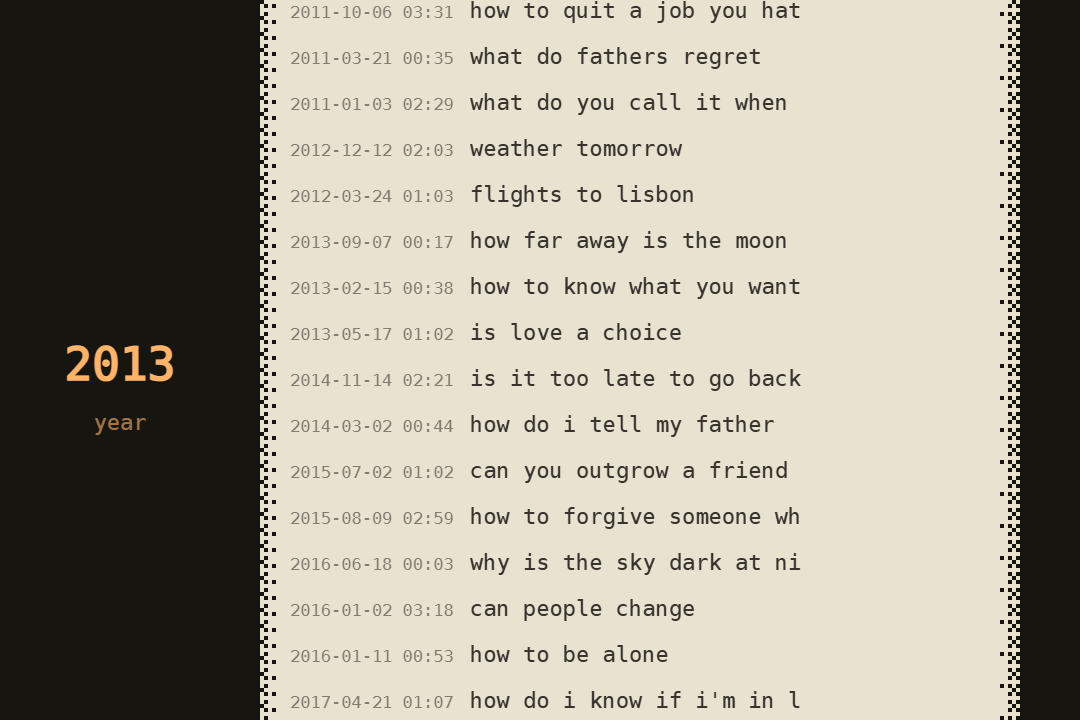
4give it to claude
- go to claude.ai and start a new chat.
- attach
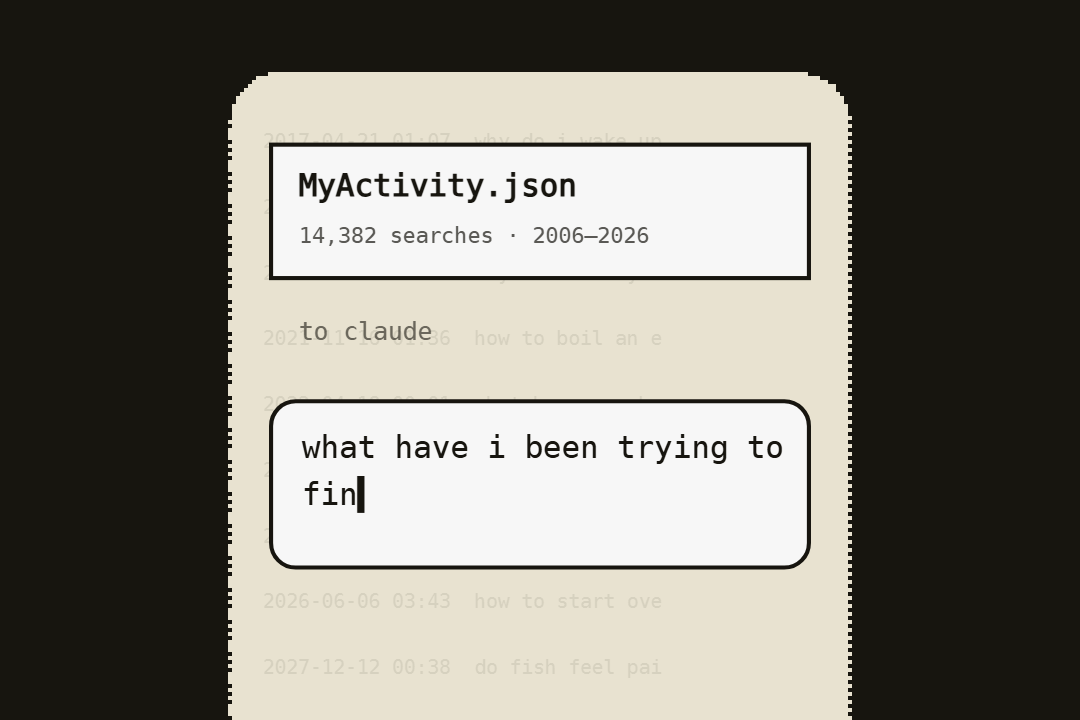
my-searches.txt(orMyActivity.json): drag it into the chat, or tap the paperclip. - paste the prompt below and send it.
years of searches can be more than one chat can hold. if claude says it's too long, go back to step 3 and start from a later year.
5the prompt
the questions promptthis is my google search history: years of questions i typed when i thought no one was reading. read it the way a perceptive old friend would, not an advertiser. skip the errands (directions, weather, shopping, logins) and look for the real questions underneath. tell me: 1. what have i been trying to find out, all this time? the few questions i keep asking in different words, with dates and examples. 2. how those questions changed over the years, and what seemed to be happening when they did. 3. the stretches where i was clearly going through something. what was it, and did it pass? 4. what i was curious about just for its own sake. 5. who is the person asking these questions? one honest paragraph. 6. the question i should be asking next. quote my actual searches as evidence. be honest, even when it's uncomfortable, and be kind.

6keep going
the first answer is the start. a few follow-ups worth trying:
promptwhat was i searching for after midnight, over the years? group my late-night questions into themes.
promptwhich questions did i stop asking? when, and what do you think happened?
promptwhich of my questions did i eventually answer for myself? show me where the searches change.
promptwrite me a short letter from the person asking these questions to the person reading them.

a note on privacy
- search history is intimate: health, money, relationships, other people's names. skim it first and only share what you're comfortable with.
- the shrink tool on this page runs entirely in your browser. nothing is uploaded anywhere.
- when you're done, you can delete the chat in claude and the export from your computer. you can also delete your history at myactivity.google.com.
questions
do i need a paid claude plan?
no. the free plan works, especially after the shrink step. a paid plan holds more years at once.
my file is empty, or only has a few months.
web & app activity was off for a while, or auto-delete is on. check what's there at myactivity.google.com. even a few months is enough to try this.
i got html files, not json.
export again and set activity records to json in step 1. the shrink tool needs json (claude can read the html, but it fills up faster).
claude says it's too long.
in step 3, start from a later year and download again. the last two or three years is a good first read.
is this safe?
you're sending your own data to an ai service, so read claude's privacy settings and decide for yourself. the shrink tool doesn't send anything anywhere.
does this work with youtube history too?
yes. tick youtube and youtube music in takeout instead and use watch-history.json. the prompt works with small changes: ask what you were looking for in what you watched.