guide
the mirror
read the diary instagram has been keeping on you
for years, every like, save, search and late-night scroll has gone into a file. advertisers read it to decide what to sell you.
you're allowed to read it too, and for the first time there's something that can read it with you: claude.
- you need
- your instagram login · a computer (easier) or your phone · a free claude account at claude.ai
- time
- about 15 minutes, plus a wait while instagram prepares the file
1ask instagram for your data
- open instagram and go to settings.
- tap accounts center → your information and permissions → export your information.
- tap create export, then pick your instagram account.
- choose export to device.
- set information to all available information, date range to all time, format to json (claude reads it much better than html), and media quality to low (claude doesn't need your photos).
- tap start export.
instagram emails you when it's ready. it can take minutes or a couple of days, and the download link expires after a few days, so grab it when it arrives.
menus move around. if a name doesn't match, look for "download your information" or "export your information" inside accounts center.

2download and unzip it
download the file from the email (or from the same export screen) and unzip it. you'll get a folder full of smaller folders and
.jsonfiles.3pick the files that matter
you don't need everything. the interesting parts are your activity and what advertisers concluded about you. look for files like these (exact names change between exports):
folder what's in it your_instagram_activity/likeseverything you've liked your_instagram_activity/savedeverything you saved your_instagram_activity/commentsyour comments logged_information/recent_searcheswhat you searched for ads_informationads you saw, posts and videos you watched, and the topics instagram thinks you're into preferences/your_topicsinstagram's list of your interests skip the
messagesfolder. your dms are other people's words too. leave them out unless you're comfortable sharing them.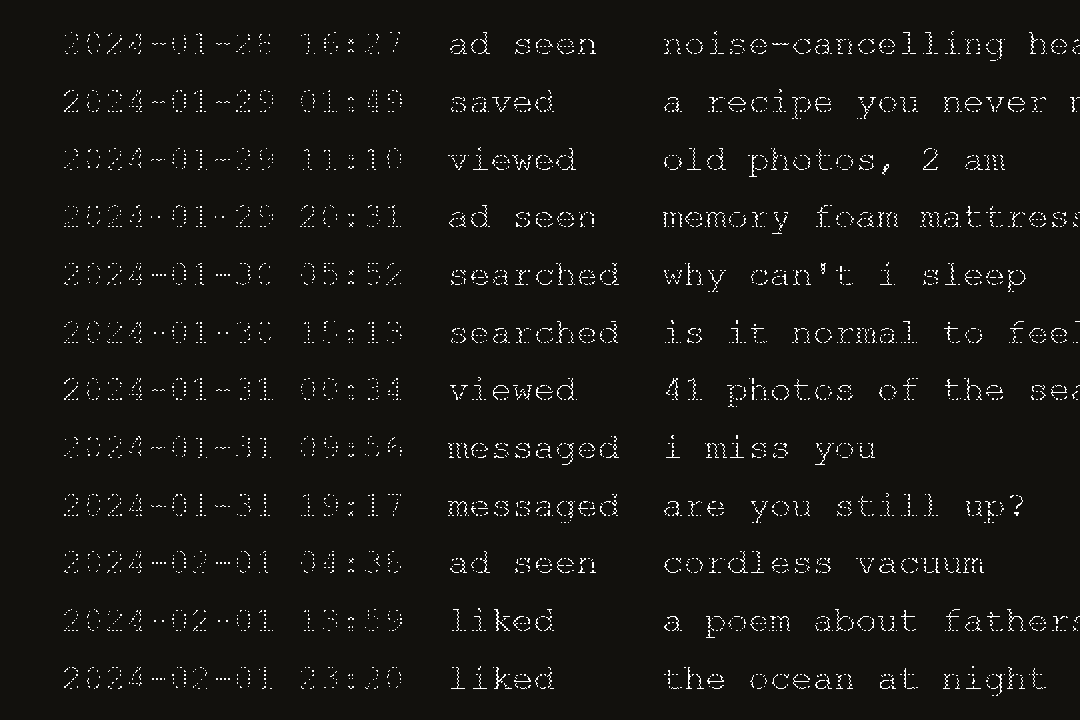
4give it to claude
- go to claude.ai and start a new chat.
- attach the
.jsonfiles from step 3: drag them into the chat, or tap the paperclip. - lots of files, or big ones? create a project in claude and add them to the project's files instead.
- paste the prompt below and send it.
5the prompt
the mirror promptthis is my instagram data: years of what i liked, saved, searched and watched, plus what advertisers concluded about me. read it the way a perceptive old friend would, not a marketer. don't tell me my demographic. tell me: 1. who is this person? one honest paragraph. 2. what do i keep circling back to? themes that recur over the years, with dates and examples from the files. 3. what changed, and when? 4. what am i hungry for that i haven't said out loud? 5. who the ads think i am, versus who the data shows i am. 6. one question i should sit with this week. quote specific things from the files as evidence. be honest, even when it's uncomfortable, and be kind.

6keep going
the first answer is the start. a few follow-ups worth trying:
promptwhich of these patterns do you think i'm least aware of? show me the evidence.
promptwhat was i looking for at 2 a.m., over the years? group my late-night activity into themes.
promptif the advertisers' version of me and the real one had a conversation, what would they say to each other?
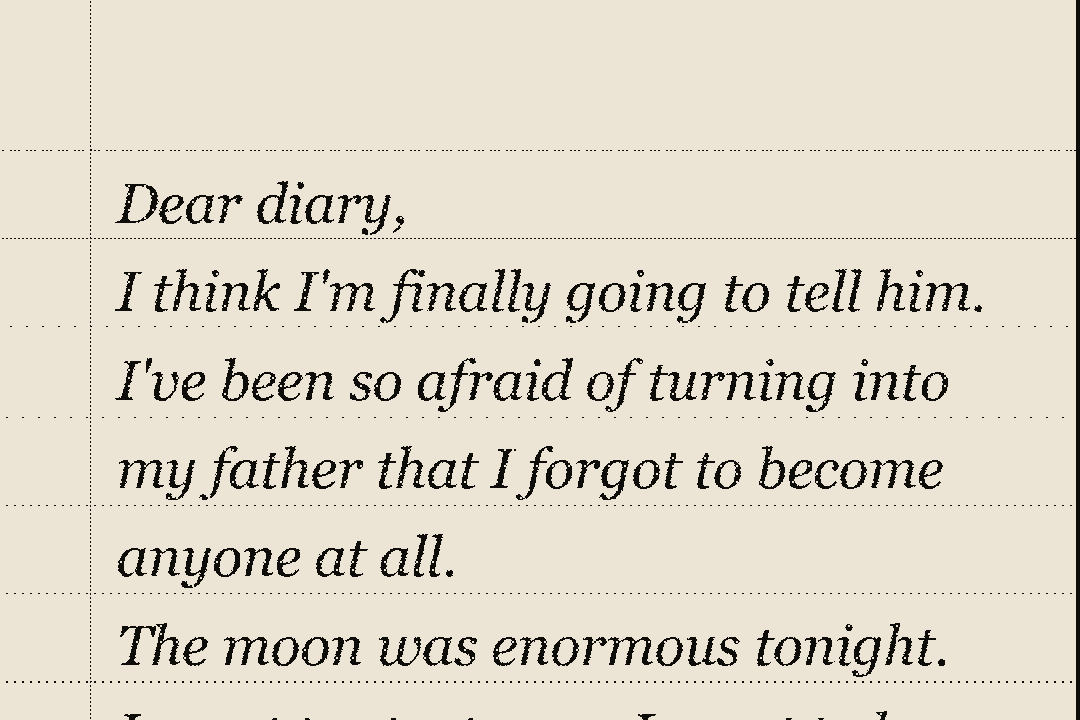
promptwrite me a short letter from the person in this data to the person reading it.

a note on privacy
- this is your data and your choice. only share what you're comfortable with.
- leave out messages and anything with other people's private information.
- when you're done, you can delete the chat in claude and delete the export from your computer.
questions
do i need a paid claude plan?
no. the free plan works for a handful of files. if your export is large, a paid plan gives you more room (projects hold more files).
claude says the files are too big.
start with likes, saved and the ads_information folder. that's where most of the story is.
is this safe?
you're sending your own data to an ai service, so read claude's privacy settings and decide for yourself. nothing in this guide sends anything anywhere else.
does this work for tiktok or google too?
yes. both let you export your data (tiktok: settings → account → download your data; google: takeout.google.com), and the same prompt works with small changes. more guides coming.